
Charmius Casino
100 Free Spins
The Charmius Casino Sign Up process turns a site visit into the starting point for real-money casino play. Australian players choose us for quick setup, secure handling of personal details, and AUD support from the start. Creating an account opens the casino game library and unlocks bonus offers and an opening promotion for new players.
How to Register at Charmius Casino
Account creation at our casino starts with a few basic rules. Players need to be 18 or older, open only one profile, and register in their own name. Australian players need to take care when selecting Australia and AUD, since changing the account currency requires closing the current profile and opening a new one after approval.
After sign-up, players move into the game lobby, where slots, live casino tables and other real-money titles are available from one account. The same registration details are also used for deposits through AU-friendly payment methods, keeping account funding and later checks linked to the named account holder.
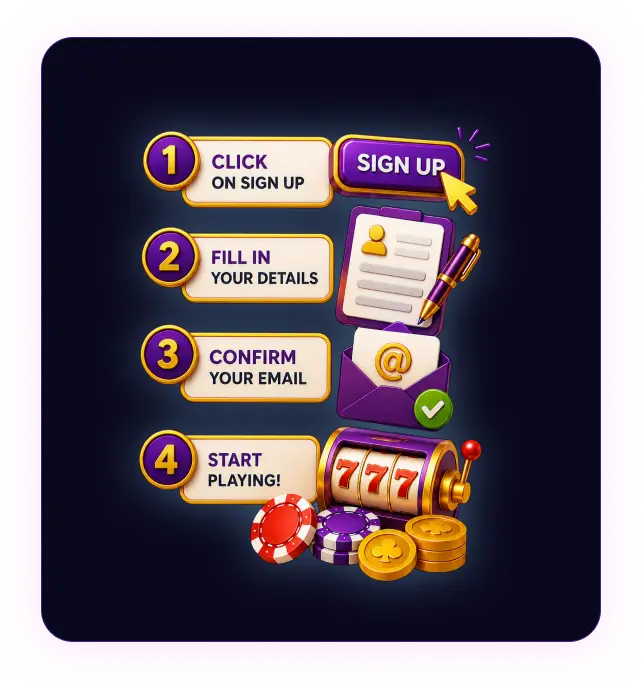
Here is how the Charmius Casino account creation process looks:
- Press Sign up in the top-right corner.
- Enter an email address and create a password.
- Select Australia as the country and AUD as the currency.
- Choose whether to receive personal offers and new promotions.
- Confirm 18+ status and accept the Terms and Privacy Policy.
- Add first name, last name, phone number and date of birth.
- Enter region, city, street address and postcode.
- Press Save to complete the registration form.
The details entered during registration need to stay accurate after the form is complete. False, incomplete or borrowed information triggers extra review and puts withdrawals, winnings and account access at risk. The same one-profile rule applies after sign-up, so duplicate accounts are not allowed under the same setup.
Account Verification and KYC
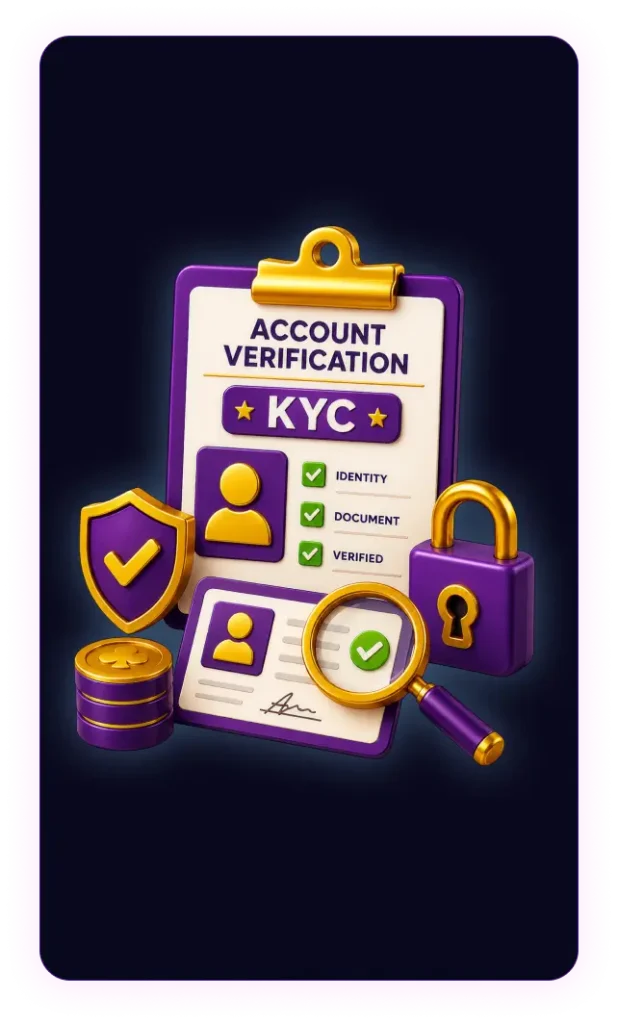
The Charmius register flow collects details that are checked again during verification. KYC checks confirm the player’s identity, age, address and ownership of the payment method linked to the account. This keeps the profile tied to the same person after registration.
Identity verification comes first. After that, the account requires proof of ownership for the payment method added to the player profile. Extra documents are requested for large payout requests, unusual account activity, or during source-of-funds reviews.
Accepted verification documents include:
- Passport
- National ID card
- Driver’s licence
- Utility bill
- Bank statement for address confirmation
- Official address document issued within the last 3 months
- Bank card used on the account
- E-wallet confirmation
- Bank account statement for ownership confirmation
- Source of funds or source of wealth documents, when requ
Files need to be clear, readable, complete and unaltered. A bank card copy shows the cardholder’s name, expiry date and the first six and last four digits. The remaining digits stay masked, and the CVV/CVC is fully covered. Missing, unclear or false documents delay review. Incomplete verification also leads to restricted withdrawals, refused payouts or account limits.
Charmius Login and Account Access
After registration, players should use the Charmius Casino login page to return to their existing profile. Press Log in, enter the registered email address and password, then open the account area with profile settings, cashier access and active promotions. The profile stores personal details, contact information and password settings, so only the account holder should make changes.
A forgotten password is recovered through the Forgot your password? link on the login page. Enter the registered email address, then use the email link to create a new password. When the message is missing from the inbox, the spam folder is the next place to check. At Charmius Casino, login details stay private. Players should not share the new password with anyone, and logging out after shared-device use protects the profile from unwanted access.
🎁 Welcome Offer
Ready to feel the magic?
Your first deposit gets doubled — plus 100 free spins to start your adventure at Charmius.
2,000 AUD + 100 FS
Mobile Registration at Charmius Casino
Charmius Casino mobile registration runs through the mobile version of the platform. Players can simply use their smartphone or tablet browser to open the registration form in a screen-friendly layout; no native Android APK or App Store app is required to join. After sign-up, mobile access covers the lobby, cashier, promotions and profile settings. In the Progressive Web App (PWA), registration is completed through the same Sign up form, with the same account fields and requirements used in the mobile browser and desktop versions.
Payment Methods After Registration
After completing the Charmius Casino Sign Up, Australian players add AUD funds through the Deposit button and move from registration to real-money play. Press Deposit, choose the payment method and enter the amount for the first top-up. The payment form then asks for the details linked to the selected method before final confirmation. Use only a card, wallet or account registered in the same name as the casino profile.
Our payment options include bank cards, direct transfers, e-wallets, prepaid vouchers and cryptocurrencies. The main account funding details are:
| Payment method | Deposit time | Min withdrawal | Deposit time |
|---|---|---|---|
| Visa/Mastercard | Card payment | 30 AUD | Instant |
| Bank Transfer | 1–3 business days | 30 AUD | 1–3 business days |
| MiFinity | E-wallet | 30 AUD | Instant |
| Neosurf / Flexepin | Prepaid vouche | 30 AUD | Instant |
| Bitcoin/Ethereum/Solana | Crypto deposit | 30 AUD | Instant |
If a deposit fails, check the payment details before trying again. For card payments, confirm the cardholder’s name, card number, CVV and expiry date. Make sure the bank allows foreign transactions and the selected card, wallet or account has enough funds. If the payment is debited from the card or account but the casino balance stays unchanged, contact our support through live chat or email.
Security and Responsible Gambling
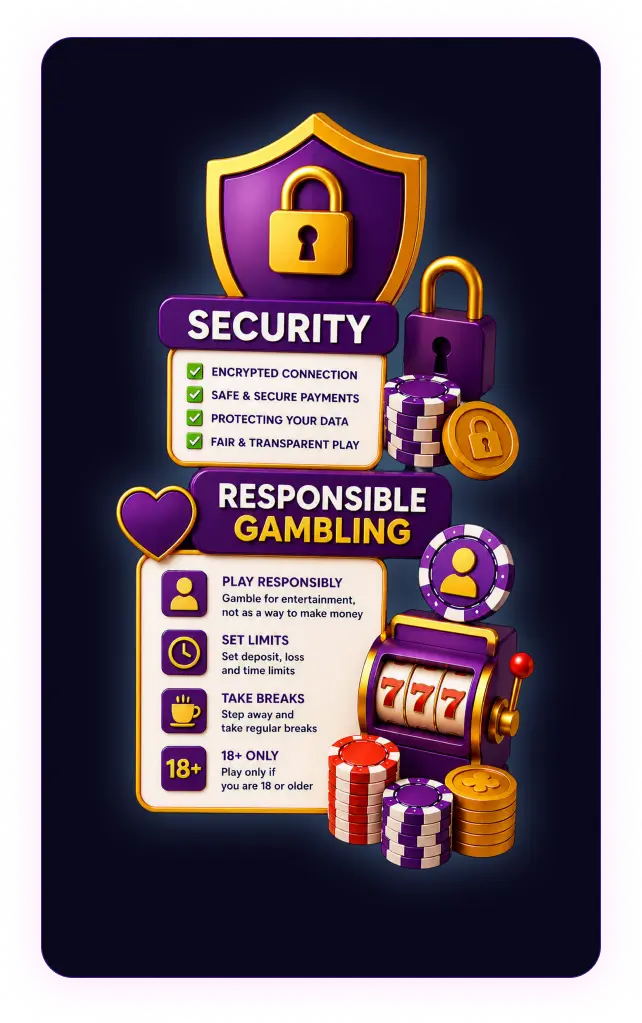
At Charmius, account protection covers data security, access control and safer play tools. Encrypted data transfer, TLS 1.2 protection, 256-bit AES application-level encryption and GDPR-based privacy handling protect account data. Login details, profile records, payment activity and verification files stay tied to the registered account, helping block unauthorised access and third-party payment use.
Our casino also treats responsible gambling as part of account safety. Open the profile, select Limits and choose the tool that matches the situation:
- Deposit limit sets the maximum amount players add to the account across a day, week or month.
- Loss limit restricts losses during the selected day, week or month.
- Cooling-off pauses play for 1, 3, 7, 14 or 30 days and ends automatically.
- Self-exclusion blocks account access for 1 year, stops deposits and play, and cannot be reversed after activation.
- Account controls keep limits visible and let players manage limit changes through the player profile.
Outside support is also available when gambling starts affecting everyday life. Australian players can contact local gambling support services, while international organisations such as Gambling Therapy, GamCare and Gamblers Anonymous also provide confidential, non-judgemental help.
🎁 No Deposit Bonus
No Deposit Bonus
For these rewards, the standard baseline is x40 wagering, a $7.50 AUD maximum bonus bet, and a $75 AUD maximum win.
FAQ
Is more than one account allowed at Charmius Casino?
No. Charmius Casino allows one profile per player. Duplicate accounts break the rules and create problems with verification, bonuses and withdrawals.
Can I change the currency at Charmius Casino at any time?
No. Currency is chosen when the profile is created. A different currency requires account closure first, followed by a new approved profile in the selected currency.
Does Charmius Casino registration require instant verification?
No. Charmius Casino registration creates the profile first. Document checks come later when account activity requires proof, including withdrawal review or payment ownership confirmation.
What should I do if Charmius Casino login fails?
Use the Charmius Casino Login page and check the email and password. For password recovery, select Forgot your password? and follow the email link.
What if my Charmius Casino balance does not update after a deposit?
If the payment was charged but the casino balance did not change, send the payment method and transaction details to our support team through live chat or email.
Is mobile registration different at Charmius Casino?
No. Mobile registration uses the same form as desktop sign-up. The page layout adjusts to the device screen, and the same profile works after registration.
How do I keep my Charmius Casino account secure?
Keep login details private, use the registered email for recovery and log out after shared-device use. Only the account holder should make profile changes.
